 SongSweep
Everything SongSweep does
SongSweep runs on iPhone, CarPlay, Apple Watch and Mac, with widgets, Control Center and Siri. Here is what each one does, and what needs Pro.
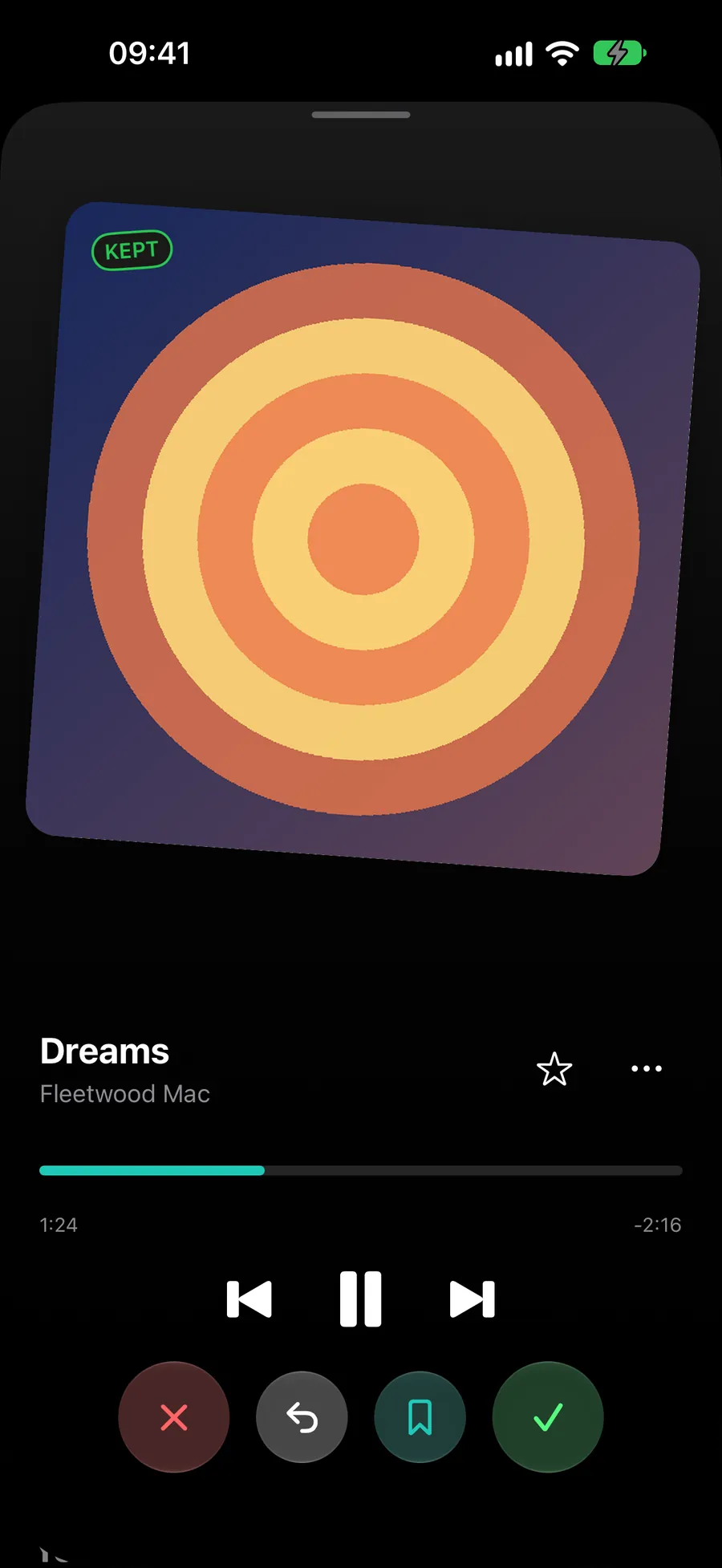
- iPhoneThe full app. iOS 18.0 or later.Free
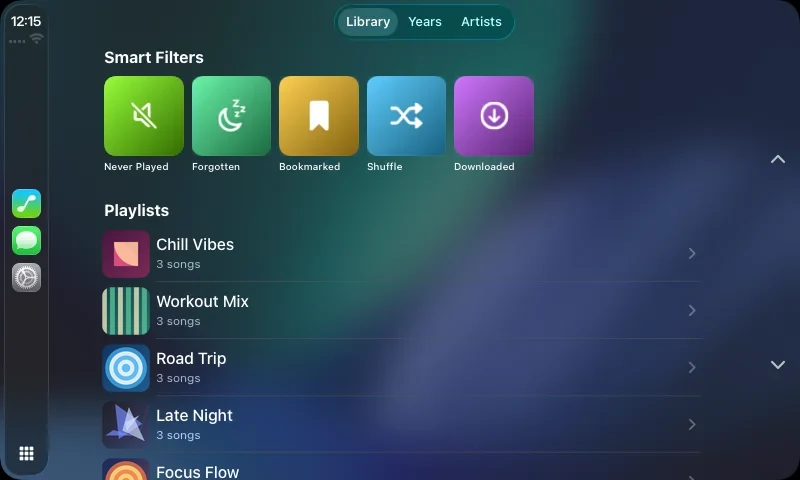
- CarPlaySort the song that is playing, right on the car screen.Free
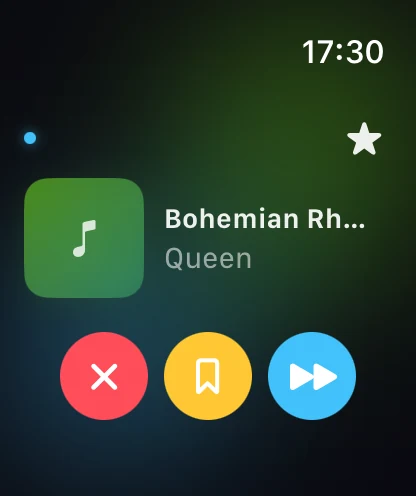
- Apple WatchSort out, save or skip from your wrist. watchOS 11.0 or later.Pro
- MacA mini player in the menu bar. Included with Pro, or on its own. macOS 26.2 or later.Pro
- Widgets and Control CenterSort out the current song without opening the app.Free
- SiriSay it while the song plays.Free
- Free Filled dot, usable in the free version.
- Pro Hollow dot, needs Pro. One Pro covers iPhone, Apple Watch and Mac.
iPhone
The full app. iOS 18.0 or later.
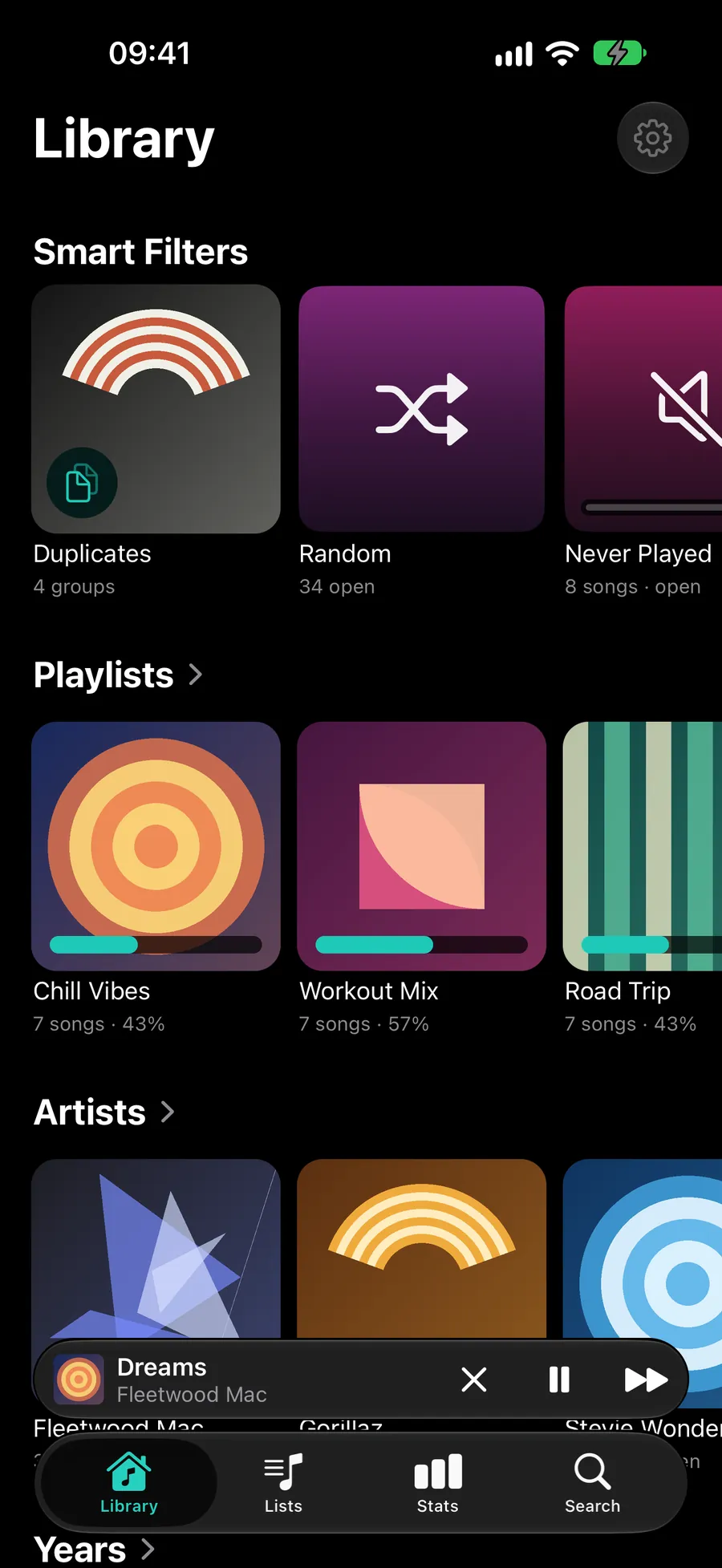
- Sort by month, playlist, year or artist.
- Smart Filters: Random, Never Played and Forgotten. All free.
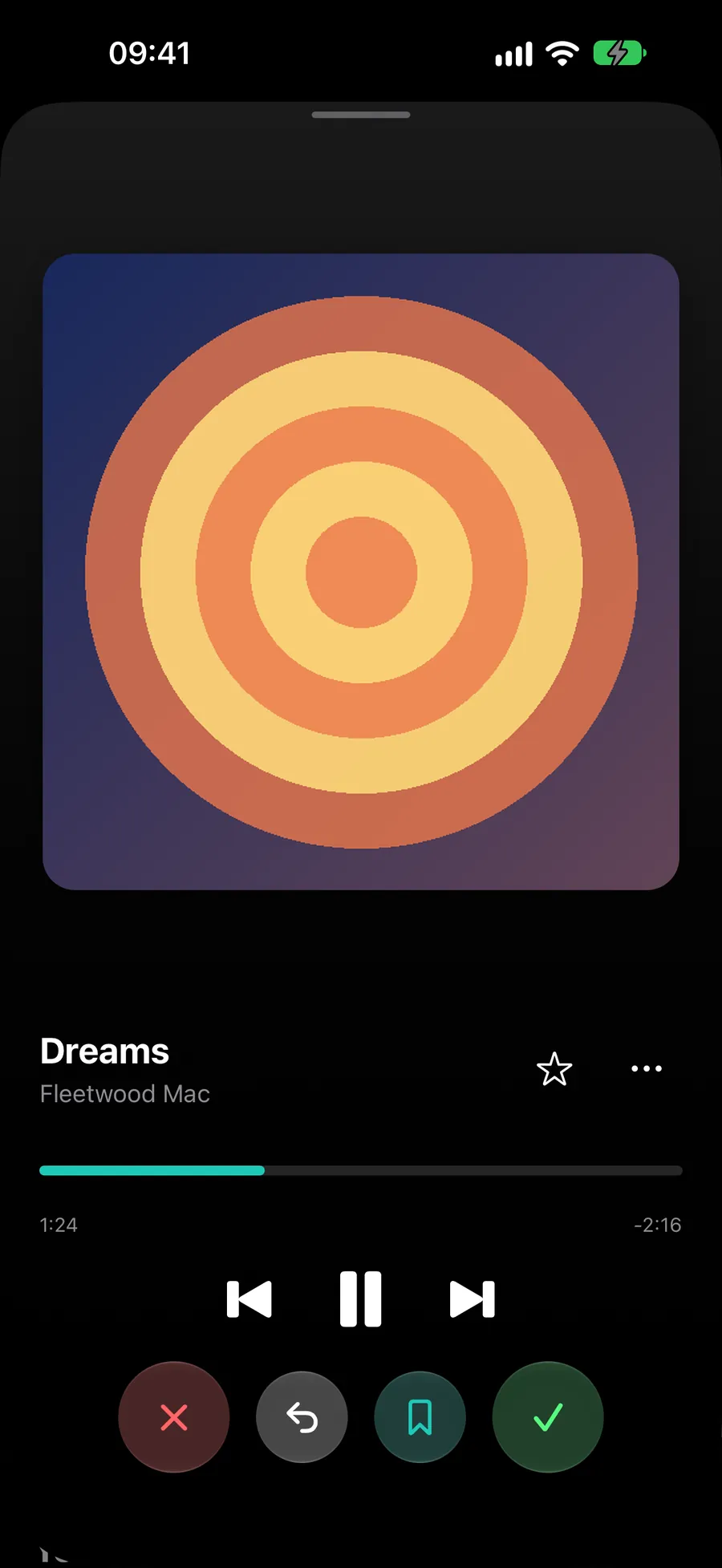
- Hear the song before you decide.
- Keep, sort out, save or favorite each song.
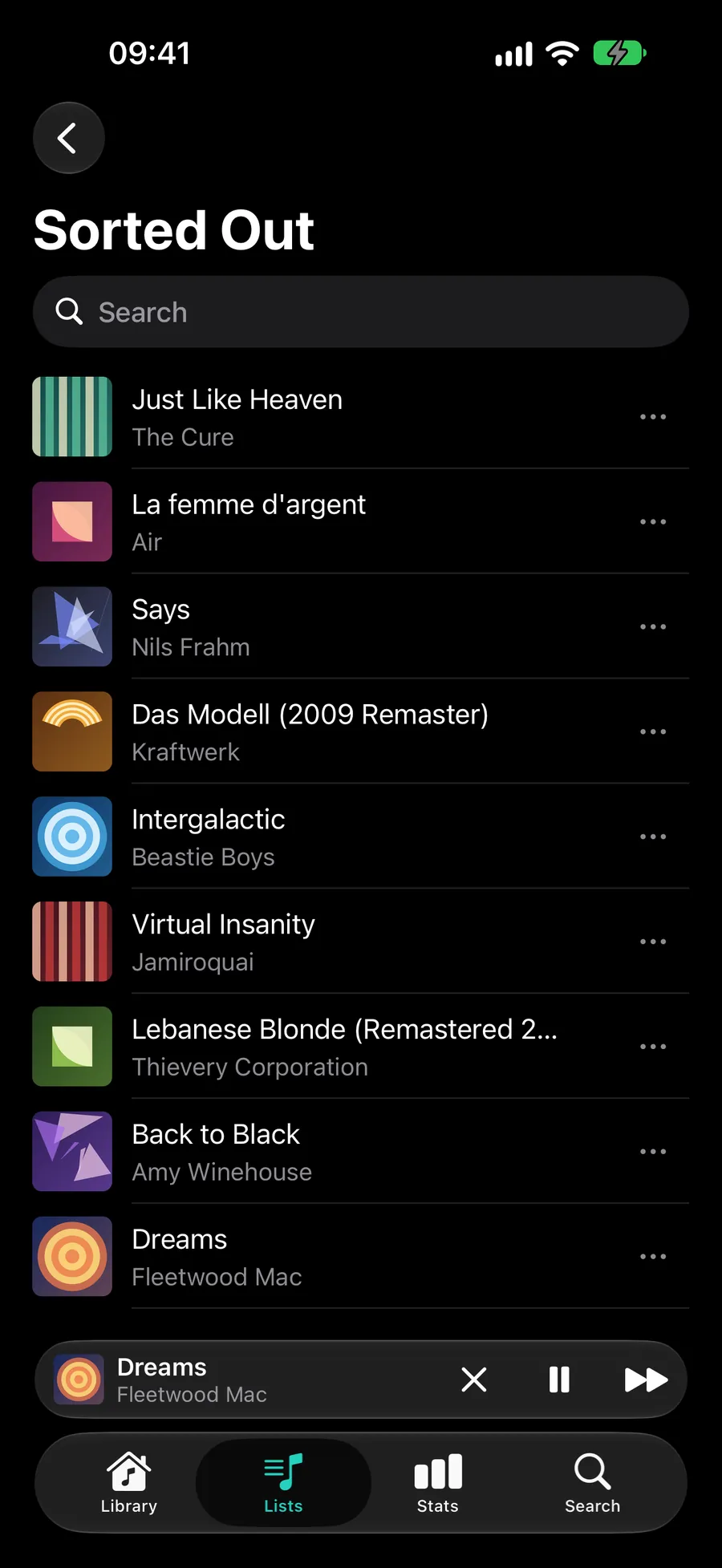
- A new, native design with tabs for Library, Lists, Stats and Search.
- Decide instantly with one swipe or tap. Undo works for up to three songs in a row.
- The Lists tab holds your saved, sorted-out and restored songs, each in its own playlist in Apple Music. Bring any song back whenever you like.
- A mini player at the bottom of the screen: Sort Out, Play/Pause, Next.
- Setup starts with your own music, with real numbers and covers.
- Find duplicates and compare them (Pro). Free users see how many there are.
- Statistics as cards: progress, streak, the last six months and your next achievements. Basic stats are free, detailed statistics need Pro.
CarPlay
Sort the song that is playing, right on the car screen. Free, with the same daily limit.
Apple Watch
Sort out, save or skip the song that is playing, from your wrist. Tap the star to favorite it.
Part of Pro. watchOS 11.0 or later.
Mac
A mini player in the menu bar. Included with Pro, or €6.99 / $5.99 on its own. There is a 7-day trial. macOS 26.2 or later.
Widgets and Control Center
Sort out the song that is playing without opening the app.
Use the widget on your Home Screen or Lock Screen, or the button in Control Center. Free, with the same daily limit.
Siri and Shortcuts
Say it while the song plays:
- “Sort out this song with SongSweep”
- “Keep this song with SongSweep”
- “Bookmark this song with SongSweep”
- “Favorite this song in SongSweep”
The same four actions are in the Shortcuts app. The bookmark phrase saves the song, so it lands in Saved. Siri is free, with the same daily limit.
What SongSweep does not do
It does not delete songs. Apple does not allow it. Sorted-out songs go to a playlist in Apple Music and get Suggest Less. You can delete them there yourself.
Start with the songs you never play.
Free on the App Store. iPhone with iOS 18.0 or later.
